Hosting & VPS
Hosting or VPS? I help choose and set up the right foundation for your website.
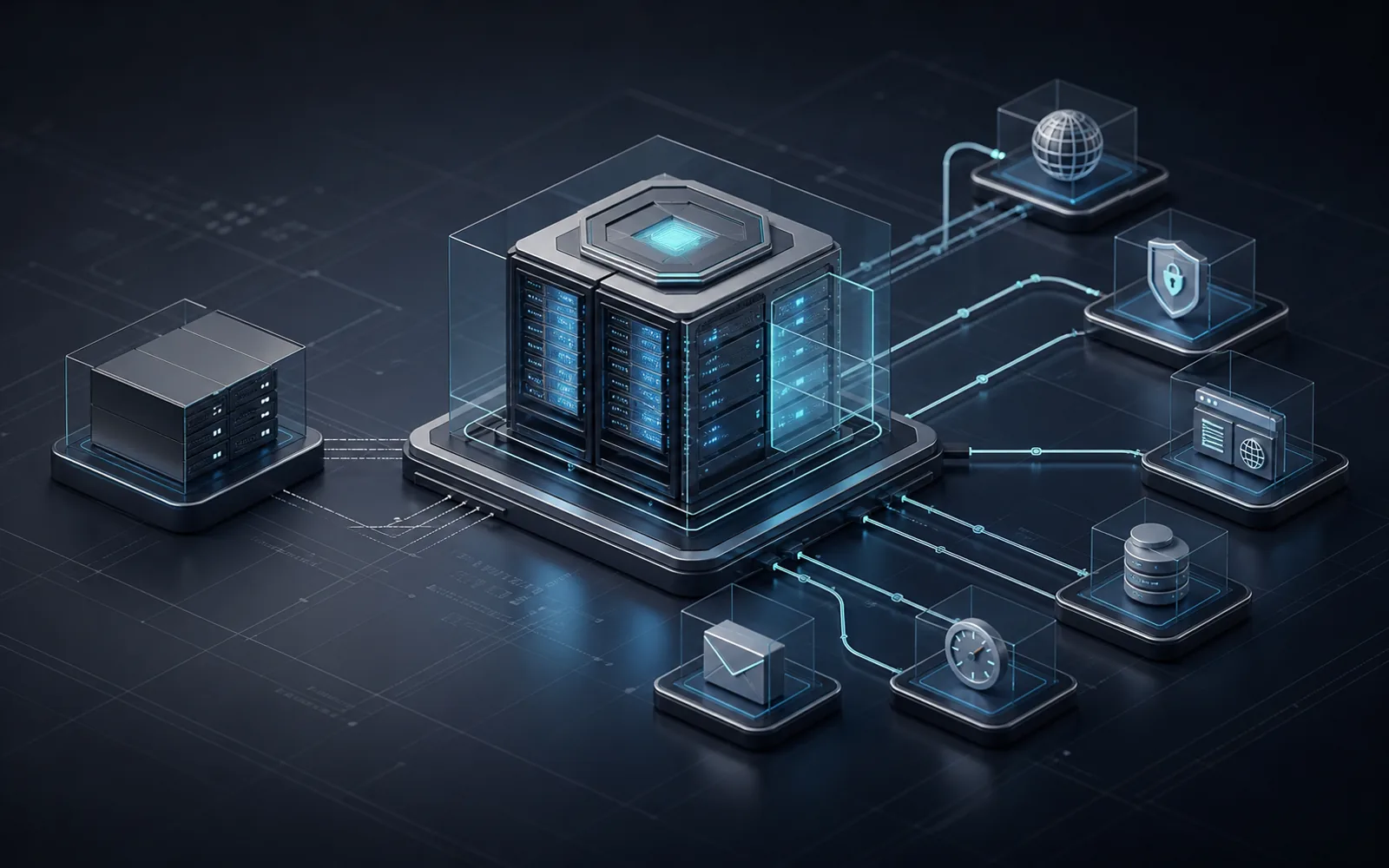
A simple business website can often run on regular hosting. When you add an app, automations, backups, staging or more control, a VPS may be a better fit.
In short: regular hosting is enough for many simple websites. A VPS makes sense when the website becomes an app, needs automations, staging, backups or more control. I help decide what is enough and set it up without forcing the owner into technical details.
What is included
When regular hosting is enough and when VPS helps
Example / use case
Example setup
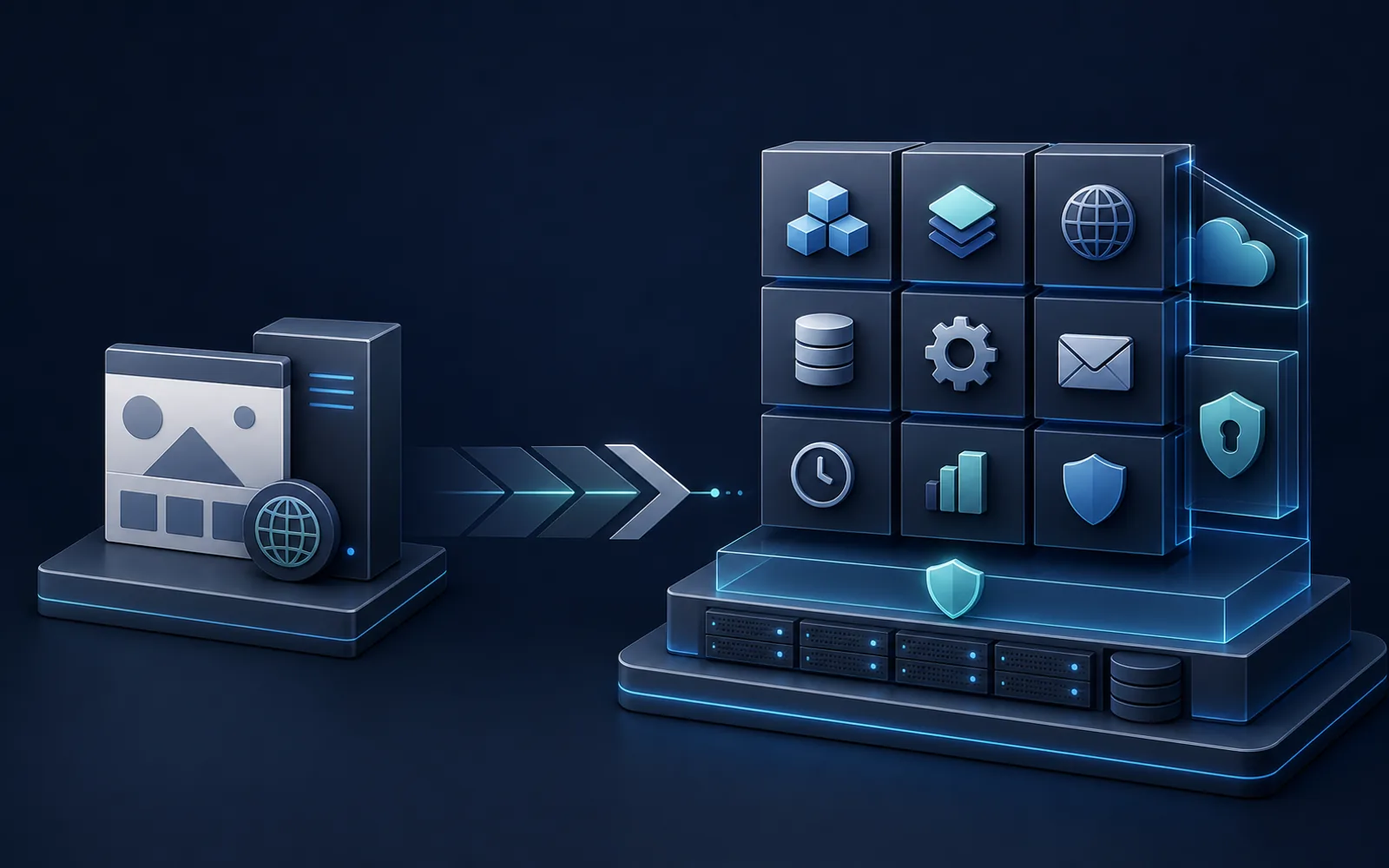
A company can keep a simple website on regular hosting, or move to a VPS when the project grows into an app with automations, backups and a staging version. The goal is not complexity, but a foundation that fits the real need.
Website foundation
A website, app, automations and email need the right foundation.
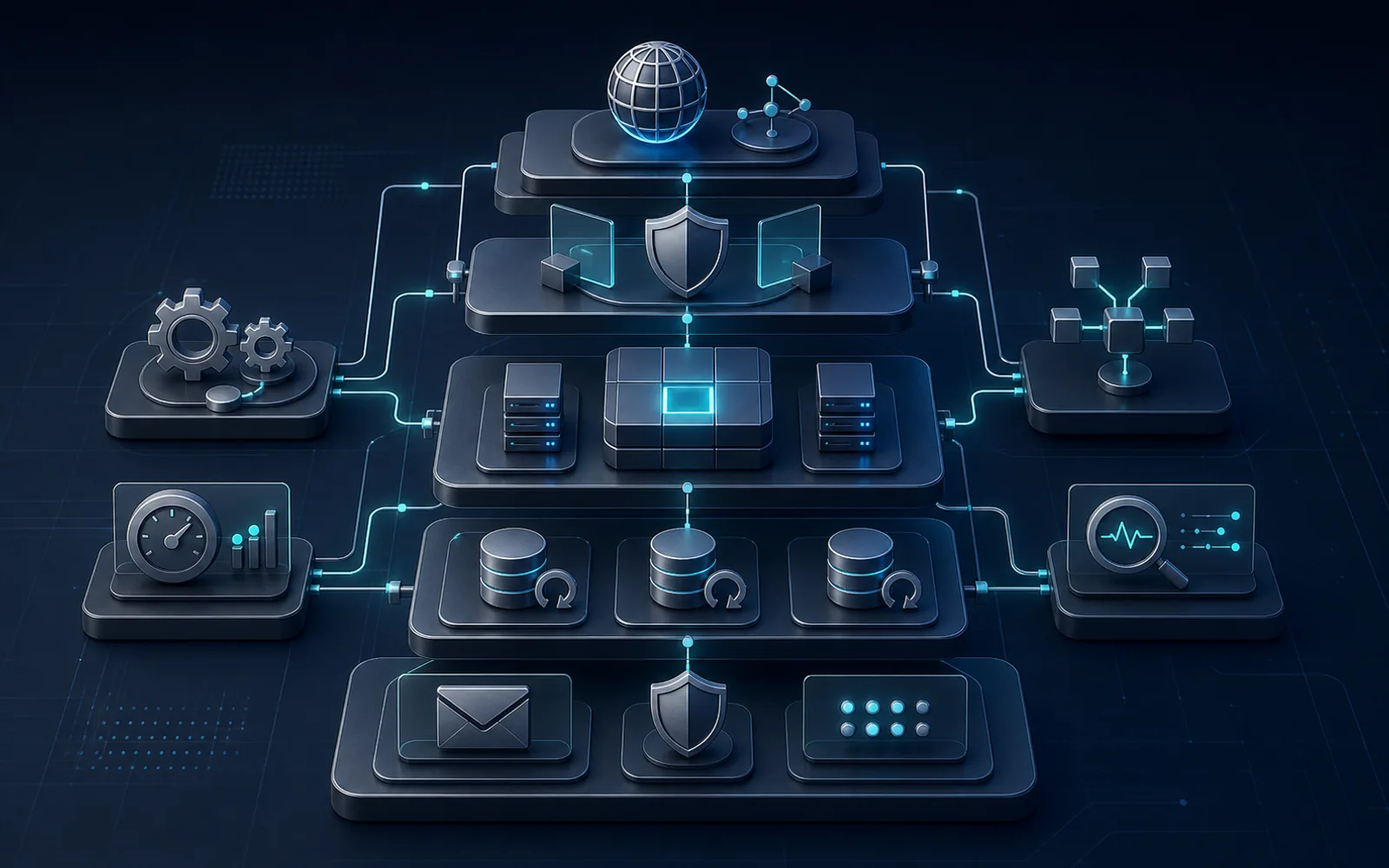
Regular hosting is often enough. When you add an app, automations, backups, staging or more control, a VPS may be a better fit. I help choose the setup and configure the domain, SSL, app, backups and basic safeguards.When infrastructure needs to support workflows, the next step can be business automations.
Current setup
We check where the website runs today, what domain and email are used, and what already causes friction.
Hosting or VPS decision
I define whether regular hosting is enough or whether the project needs a VPS because of an app, automations, staging or backups.
Setup
The selected foundation is configured with the domain, SSL, app, backups and basic safeguards.
Handover
You get a clear overview of what was set up, what to watch and what can be automated later.
Information
Common questions before starting.
Do I always need a VPS?
No. A simple company website, landing page or small blog can often stay on regular hosting. VPS starts to make sense when the project needs an app, automations, staging, backups or more control.
Can business email be included?
Yes. Email can be reviewed as part of the setup: domain records, SPF, DKIM, DMARC, mailbox limits and basic access order.
Can this support automations later?
Yes. A clearer foundation makes it easier to run apps, n8n or other automations without forcing technical details onto the business owner.
Not sure whether hosting or VPS is enough?
Send what runs today: website, domain, hosting, app, email, backups and automations. We can start by deciding what foundation is actually needed.
Write about infrastructure